One table, four people, item by item
Two starters for the table, a main each, and a bottle of wine that three of the four drank. The restaurant took 10% off at the end.
| Item | Price | Shared by | Alex | Bea | Chris | Dee |
|---|---|---|---|---|---|---|
| Starters | 36.00 | all four | 9.00 | 9.00 | 9.00 | 9.00 |
| Mains | 96.00 | each their own | 24.00 | 19.00 | 32.00 | 21.00 |
| Wine | 42.00 | Alex, Chris, Dee | 14.00 | — | 14.00 | 14.00 |
| Subtotal | 174.00 | 47.00 | 28.00 | 55.00 | 44.00 | |
| 10% off | −17.40 | in proportion | −4.70 | −2.80 | −5.50 | −4.40 |
| Total | 156.60 | 42.30 | 25.20 | 49.50 | 39.60 |
That is the whole calculation, and none of it is hard. What makes it worth doing is what the shortcut costs.
The mistake: dividing the total by the number of people
€156.60 ÷ 4 = €39.15 each. It is the fastest answer at the table, and it is a transfer. Bea — a starter and a main, no wine — pays €13.95 more than she ate, which is more than half her own share again. Chris, who had the most expensive main and drank the wine, pays €10.35 less.
Nobody minds once. The friend who orders modestly notices by about the fifth dinner, and what usually happens next is not a conversation: they stop ordering modestly.
The second half of the same mistake happens on the other side of the card machine. Chris pays the whole €156.60 and is not owed €156.60. His own share is €49.50, so he is owed €107.10. Asking for the full amount back and then paying his own share into the pot is the same money and two more chances to get it wrong.
A discount is a percentage of the bill, so it has to be a percentage of each share. Splitting €17.40 off equally — €4.35 each — hands Bea a bigger discount than her order earned and pays for it out of Chris’s pocket. Small, and in exactly the same direction as the first mistake.
Do it here
The same functions the app runs: each item split between the people on it, the discount scaled in proportion, and every leftover cent placed by a rule instead of rounded away.
Split a bill item by item
Tick who shared each item. Every item is divided only between the people on it, and the leftover cent is placed inside that item — not spread over the whole table.
| Item | Price | Shared by | |
|---|---|---|---|
- Subtotal
- €174.00
- Discount
- −€17.40
- Total
- €156.60
Each person owes
- Alex€42.30
- Bea€25.20
- Chris€49.50
- Dee€39.60
Who put money in
Fill in what each person actually paid — the card, the cash, the two people who split it. Leave it empty and the table is just an itemised bill.
Integer minor units, no floating point, and shares that add up to exactly the amount — the same code the app runs.
The flow in the app — and what it deliberately does not keep
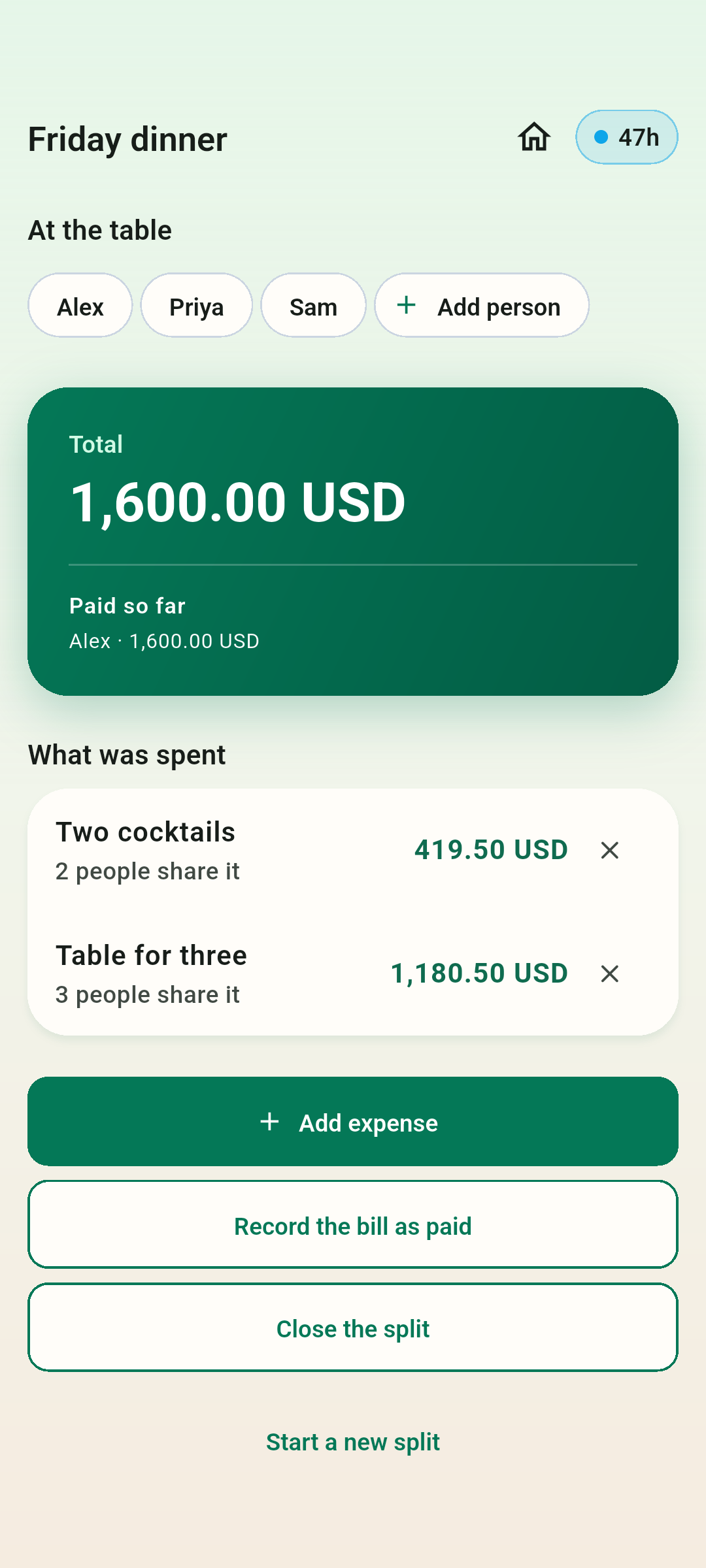
Sharefold has a mode for exactly this table, and it is the one part of the app that needs no account.
- Open Quick split. The only question it asks is how many people are at the table — two to six, and more can be added later. The currency comes from where the phone is, and you can change it.
- Nobody is asked to type names first. People start as *Me*, *Person 2*, *Person 3*; you rename one by tapping its row, and most tables never bother.
- Add each item: what it cost, and who shared it. Each item is divided only between the people ticked on it, and the leftover cent is distributed inside that item.
- There is a camera button on the item form. It reads a till receipt into the item list; the lines it is not sure about come back for you to correct rather than being quietly guessed at.
- A discount goes on as its own line and comes off everybody in proportion.
- Who paid is asked separately, on its own screen, after the bill arrives — how much each person actually put in. Before that moment nobody at the table knows the answer, which is why the app does not ask while you are still ordering.
- The summary is the last screen: what each person spent, who pays whom, and a button that shares the whole thing as text into the chat you are already in.
A quick split is never attached to an account and never leaves the phone. It lives in that phone’s own storage and is deleted 48 hours after the last thing you did to it. That is the trade: nothing to sign up for, and nothing to come back to next week — which is exactly why there is a share button on the summary.
Also worth reading
- How to split rent and bills with flatmatesA worked month for three flatmates: rent split by room, a bill that will not divide by three, and the mistake that makes a flatshare’s records drift away from its bank statements.
- Who owes what after a tripFour people, a week away and five payments to settle. A worked example, why one “who owes whom” number cannot span two currencies, and a calculator that settles the debts pair by pair.